Skip to product information
Description
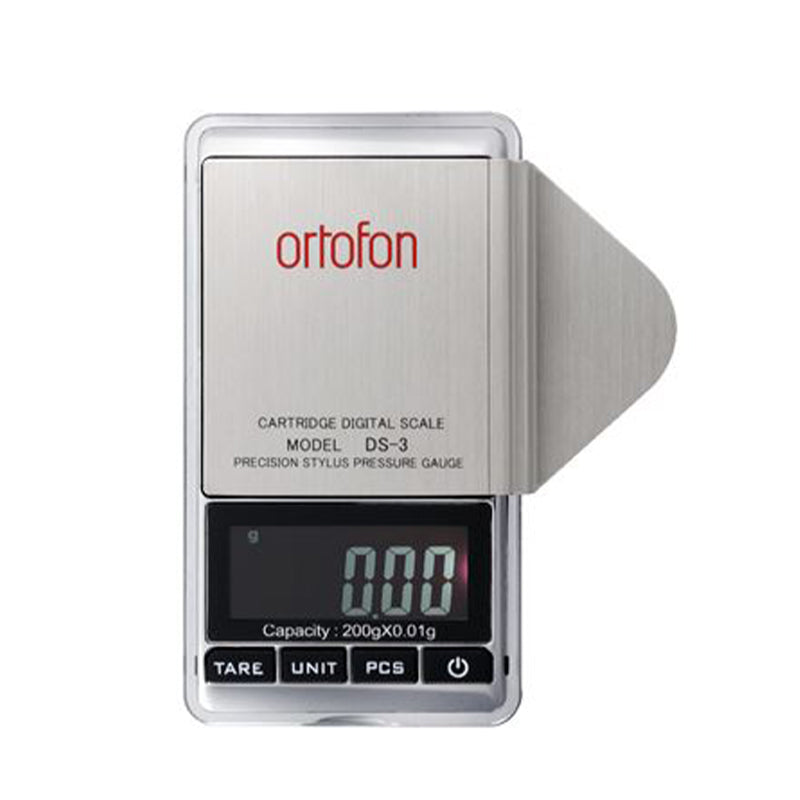
HOW TO USE THE DS-3
- Turn on the device by pressing the ON button. The display will show 0000.
- Press the UNIT button to select the measurement unit. The default setting is gram/g.
- Place the stylus on the measurement plate on the right side of the device. The display will start blinking. It will stop blinking when the measurement is completed. The value displayed on the screen is the stylus pressure.
- The display screen will automatically dim to saving mode after 5 seconds of inactivity and turn off after 60 seconds of inactivity.
- When a battery runs out, a LO indicator will flash on the screen. Then replace both batteries.
- PCS button balances count by calculating the average weight of one piece-weight called a unit weight, then applying it to the total weight of what you are trying to count. Firstly, weigh one PC, then weigh the bundle, then push the PCS button and on the display, you’ll get a number of PCS.
TECHNICAL DATA AND PRECAUTIONS
- Sensitivity - 0.01g
- Operational weight range - 0.1g to 200g
- Battery - 2 × AAA
- Size - (L) 120mm × (W) 60mm × (H) 17mm
- Weight - 70g
- LCD screen with backlighting
- Auto-off function
- Protect the device against high temperatures, dust, and humidity
- Carefully lower the measurement object on the measurement plate
- Operating temperature range +10⁰ - +30⁰C
- Do not place objects weighing more than 200 g on the measurement plate
- Do not place the device on an uneven surface, it may result in not accurate measurements
HOW TO USE THE DS-3
- Turn on the device by pressing the ON button. The display will show 0000.
- Press the UNIT button to select the measurement unit. The default setting is gram/g.
- Place the stylus on the measurement plate on the right side of the device. The display will start blinking. It will stop blinking when the measurement is completed. The value displayed on the screen is the stylus pressure.
- The display screen will automatically dim to saving mode after 5 seconds of inactivity and turn off after 60 seconds of inactivity.
- When a battery runs out, a LO indicator will flash on the screen. Then replace both batteries.
- PCS button balances count by calculating the average weight of one piece-weight called a unit weight, then applying it to the total weight of what you are trying to count. Firstly, weigh one PC, then weigh the bundle, then push the PCS button and on the display, you’ll get a number of PCS.
TECHNICAL DATA AND PRECAUTIONS
- Sensitivity - 0.01g
- Operational weight range - 0.1g to 200g
- Battery - 2 × AAA
- Size - (L) 120mm × (W) 60mm × (H) 17mm
- Weight - 70g
- LCD screen with backlighting
- Auto-off function
- Protect the device against high temperatures, dust, and humidity
- Carefully lower the measurement object on the measurement plate
- Operating temperature range +10⁰ - +30⁰C
- Do not place objects weighing more than 200 g on the measurement plate
- Do not place the device on an uneven surface, it may result in not accurate measurements

Ortofon DS-3 - A High Precision Digital Stylus Pressure Gauge (Each)
Regular price
R 4,030.00
Not what you are looking for?
E-piphany is home to South Africa's largest collection of audio, visual & entertainment electronics - handpicked for their performance and value.

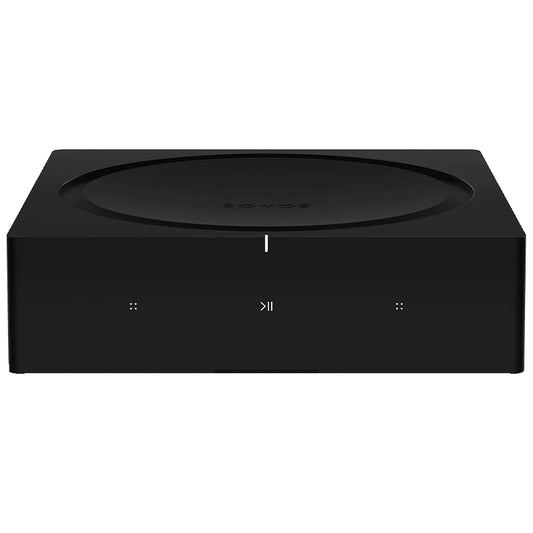




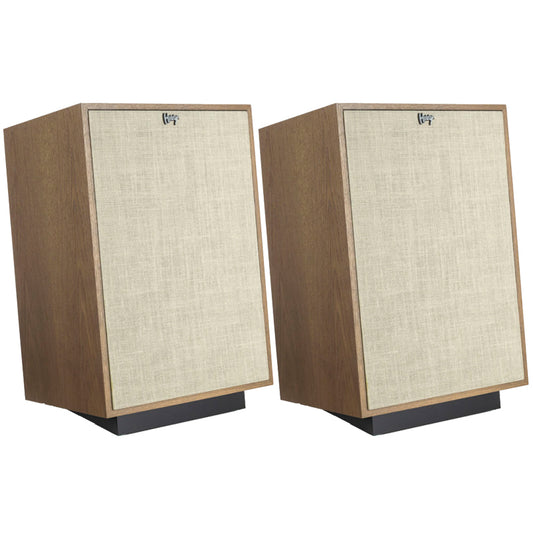
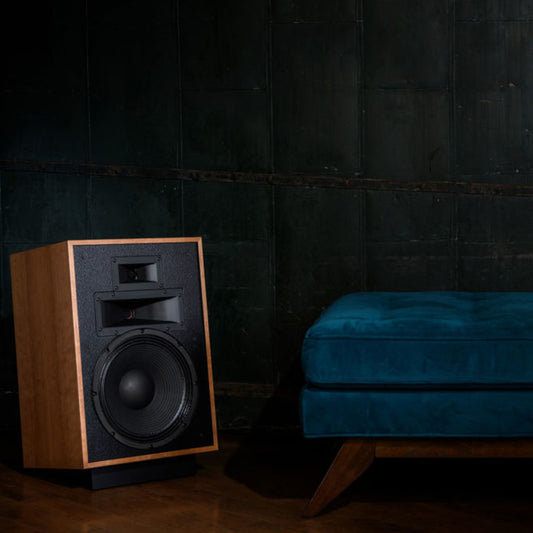


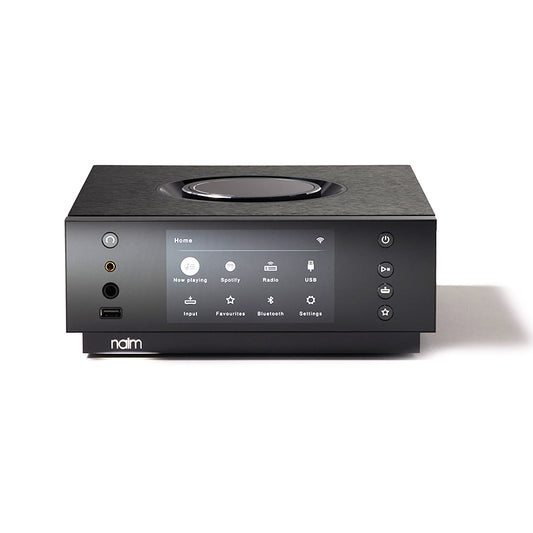
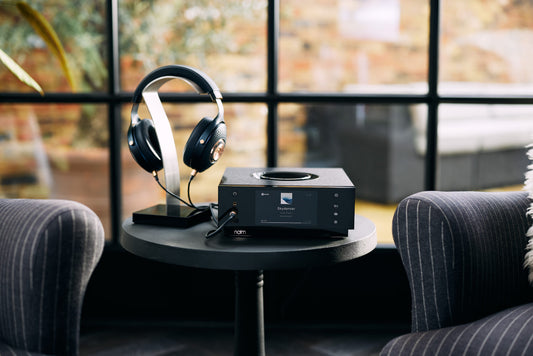
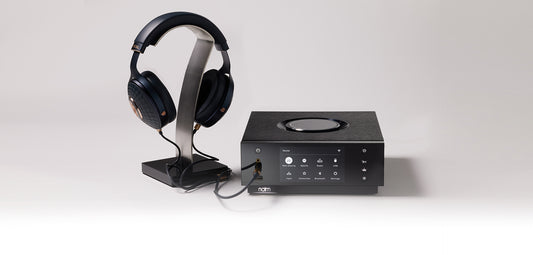
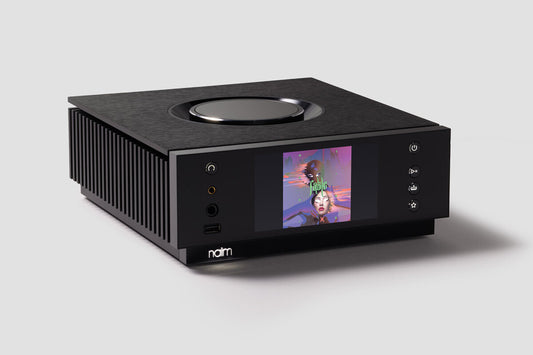
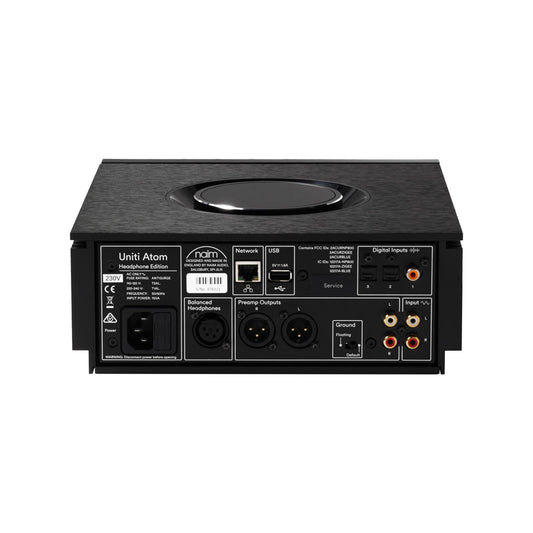
Naim Uniti Atom Headphone Edition
R 76,000.00

Synthesis NYC 500 Mono Power Amplifier (Each)
R 637,990.00